CS304 Blender Merge
To merge two objects, you merge the respective
vertices of contact. For example, suppose you wanted
to connect two spheres so that they translated, rotated,
and scaled together as one object. Follow the steps
below.
Detailed Steps
- Start up blender and create two separate spheres. I have
done this and scaled one a little smaller. Be sure to be in
object mode as you create the spheres so you can set different
materials for them. Then switch to edit mode and wireframe selected.
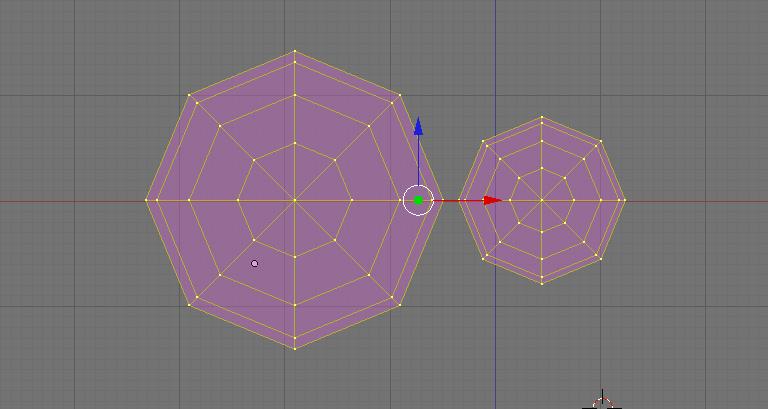
- Zoom in and position both spheres so that the two vertices
you want to merge are near each other.
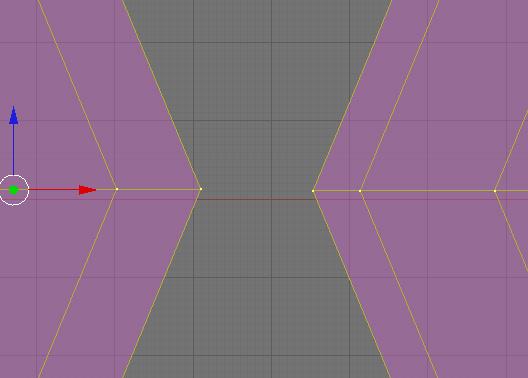
- AKEY deselect all vertices, and BKEY select the two you want
to merge.

- The following picture illustrates the two vertices selected.

- WKEY to get the SPECIALS menu.
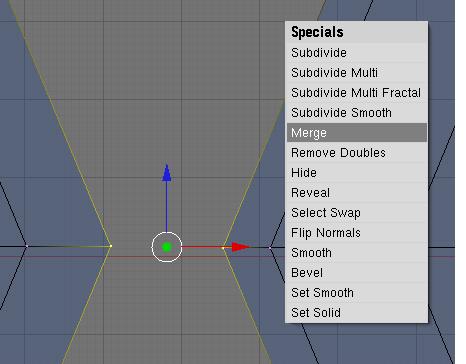
- Select merge.
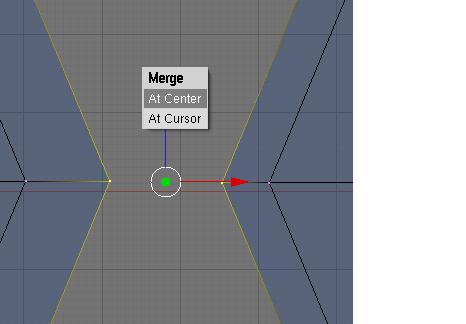
- Select at center.
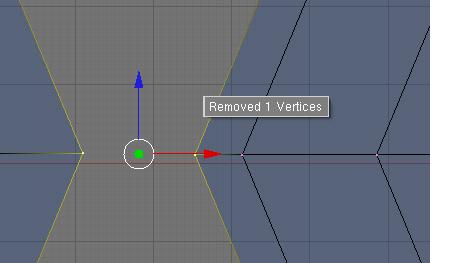
- LMB click. You see the two vertices joined.
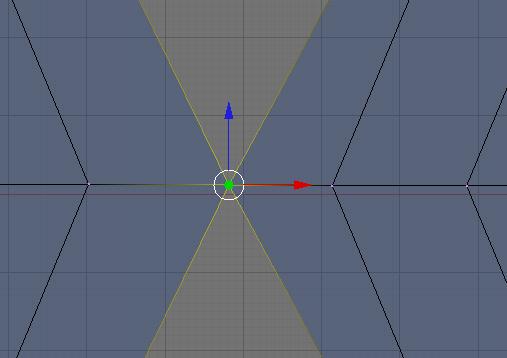
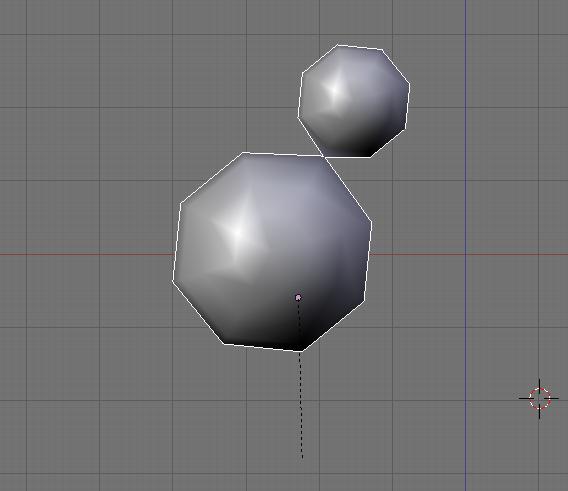
- Now if you zoom out you see that the two spheres are
connected. I switched to object mode and Solid selected.
I show a rotation selected.
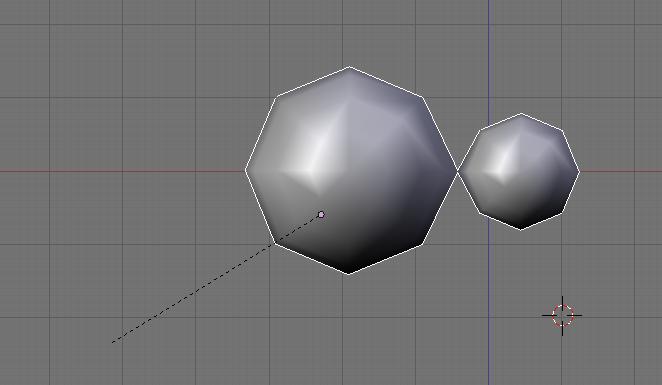
- And if I rotate, I rotate both as one object.