|
1
|
|
|
2
|
|
|
3
|
|
|
4
|
|
|
5
|
|
|
6
|
|
|
7
|
|
|
8
|
|
|
9
|
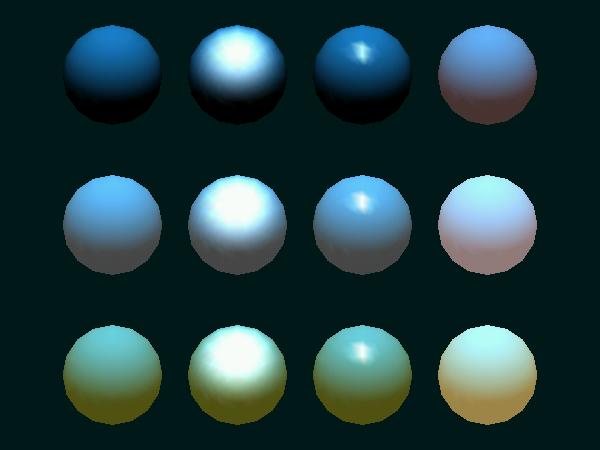
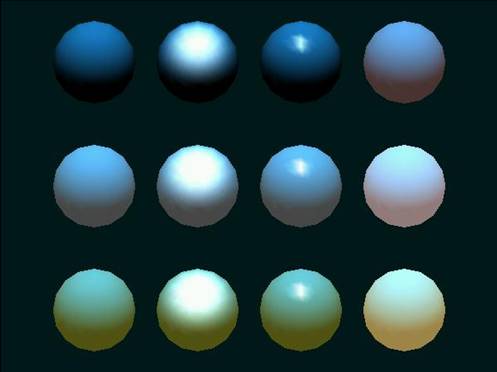
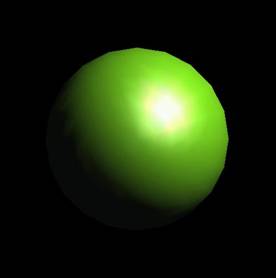
- The material specified in OpenGL can have three different responses to
the light hitting it plus one emissive characteristic.
- You can separately specify the response to:
- And you can specify that the material “emits light”
|
|
10
|
- face
- GL_FRONT
- GL_BACK
- GL_FRONT_AND_BACK
|
|
11
|
- pname
- GL_AMBIENT (ambient color of material)
- GL_DIFFUSE (diffuse color of material)
- GL_AMBIENT_AND_DIFFUSE (both)
- GL_SPECULAR (specular color of material)
- GL_SHININESS (specular exponent)
- GL_EMISSION (emissive color of material)
- GL_COLOR_INDEXES (ambient, diffuse, and specular color indices)
|
|
12
|
- param
- The value for the pname’d material property
- Example
- GLfloat mat_amb_diff [ ] = {0.1, 0.5, 0.8, 1.0};
- glMaterialfv( GL_FRONT_AND_BACK, GL_AMBIENT_AND_DIFFUSE, mat_amb_diff);
|
|
13
|
|
|
14
|
|
|
15
|
- I didn’t find this previously.
- Causes the material property specified to track the value of the current
color (glColor*)
- glColorMaterial(face, mode)
- “face” and “mode” are same as for glMaterial.
- Must use glEnable (see example)
|
|
16
|
|
|
17
|
|
|
18
|
|
|
19
|
|
|
20
|
|
|
21
|
- Same formula that Denbigh gave.
|
|
22
|
- You use the glLightf function to select attenuation factors. Default values are kc=1, kl=0,
kq=0.
- glLightf(GL_LIGHT0, GL_CONSTANT_ATTENUATION, 2.0);
- glLightf(GL_LIGHT0, GL_LINEAR_ATTENUATION, 0.0);
- glLlightf(GL_LIGHT0, GL_QUADRATIC_ATTENUATION, 0.0);
|
|
23
|
|

 Notes
Notes